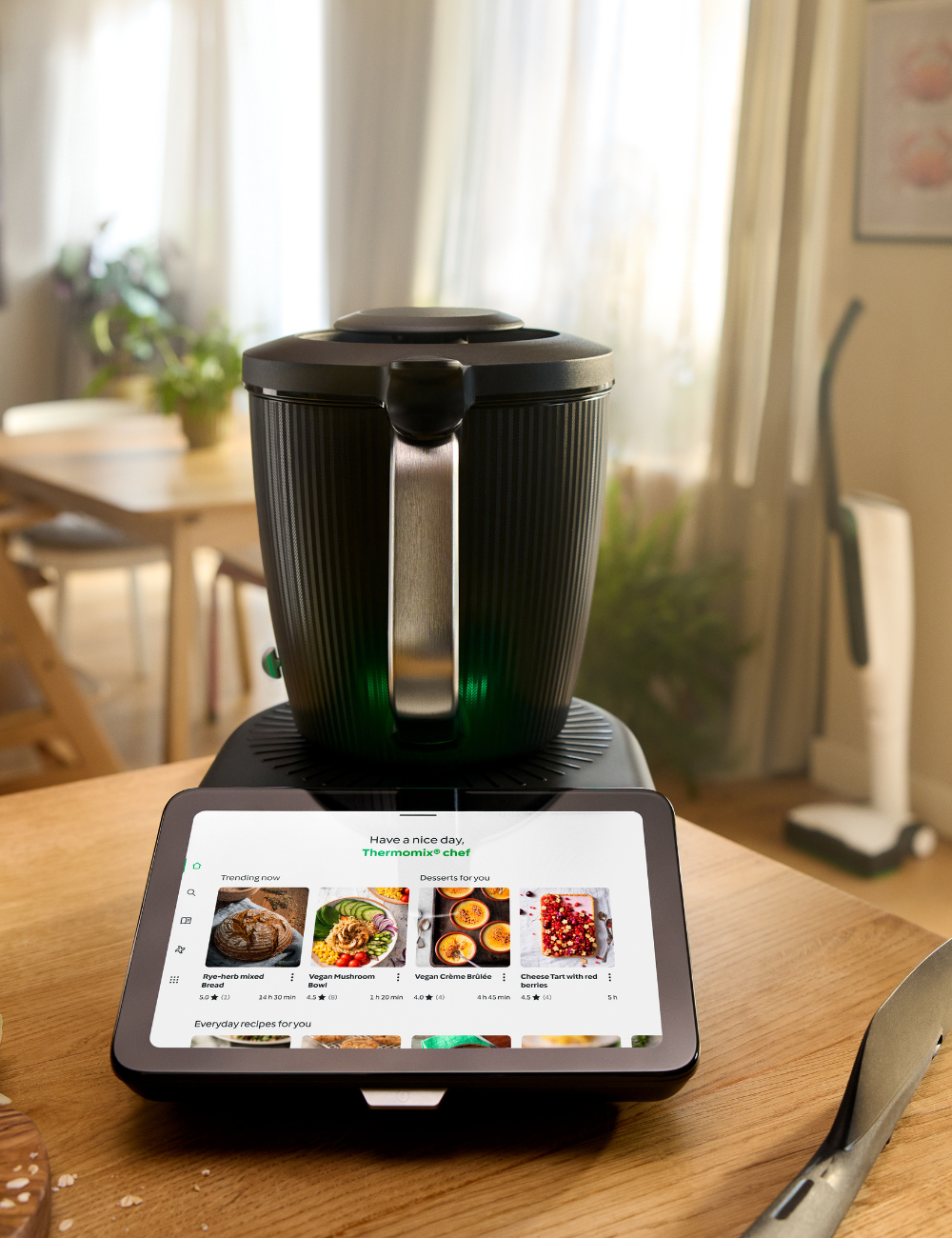
Cookidoo Login Canada: How to Log In to Your Account
Signing in to your Cookidoo account on the website, the app, and the TM7, plus how to fix the most common login problems.
How do I log in to Cookidoo in Canada?
Open cookidoo.ca, choose Log in, and enter the email and password for your Vorwerk/Thermomix account. It is the same account you use on the Cookidoo app and on the TM7 itself, so one set of credentials works everywhere. If you cannot sign in, use Forgot password to reset it, then try again.
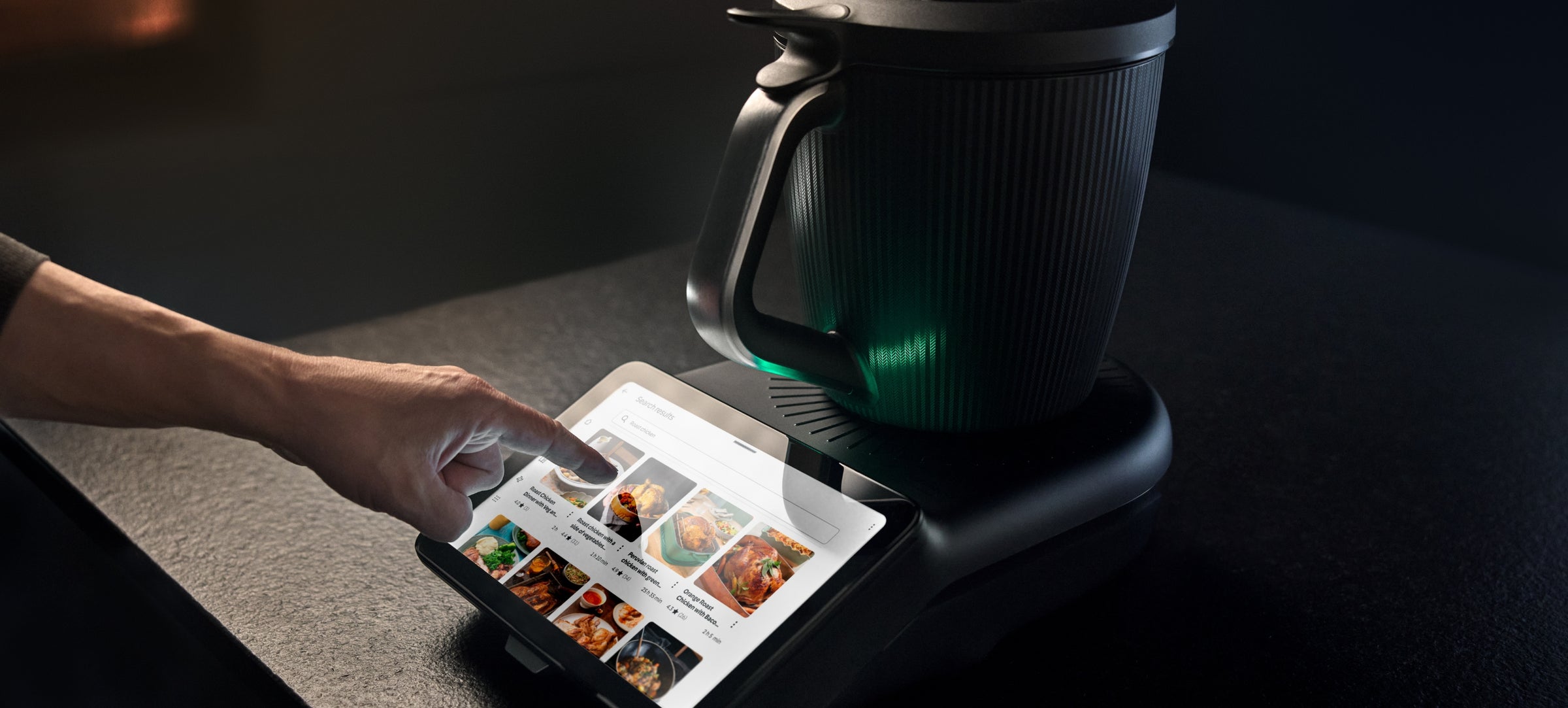
Logging in to Cookidoo in Canada is simple once you know the one detail that trips most people up: your Cookidoo login is the same as your Vorwerk/Thermomix account. You do not create a separate Cookidoo password. To sign in, open cookidoo.ca, choose Log in, and enter the email and password you used when you set up your TM7. That same account works on the website, in the Cookidoo app, and on the machine itself.
This page walks through logging in step by step, resetting a forgotten password, the differences between the TM7, the app, and the website, switching your account country to Canada, and the handful of issues that cause most failed logins. If you are new to the platform itself, start with the Cookidoo Canada overview and come back here when you are ready to sign in.
How to log in to Cookidoo (step by step)
The website login is the same on a laptop, a tablet, or a phone browser:
- Open cookidoo.ca in your browser. This is the Canadian Cookidoo site.
- Choose Log in near the top of the page.
- Enter the email address for your Vorwerk/Thermomix account.
- Enter your password.
- Confirm, and you land on your Cookidoo home page with your saved recipes, collections, and shopping lists.
If you have never set a password because your account was created on the machine or in a store, use the Forgot password link described in the next section to set one. Once you are in, your favourites and weekly planner sync across every device signed in to the same account.
Resetting your password
If your password is not working, reset it rather than guessing:
- On the cookidoo.ca Log in screen, choose Forgot password.
- Enter the email address tied to your Vorwerk/Thermomix account.
- Check your inbox for the reset email and follow the link it contains. Look in your spam or junk folder if it does not arrive within a few minutes.
- Set a new password, then return to the Log in screen and sign in with it.
Because the account is shared across Cookidoo, the app, and the TM7, the new password applies everywhere. You only reset it once. If the reset email never arrives, the most likely cause is that the email on file is different from the one you are typing, often a second household email used at the time of purchase.
Logging in on the TM7 vs the app vs the website
There is only one account, but you reach it three ways, and they behave slightly differently:
- The website (cookidoo.ca). Best for browsing recipes, building collections, and planning your week on a larger screen. You log in with your account email and password as described above.
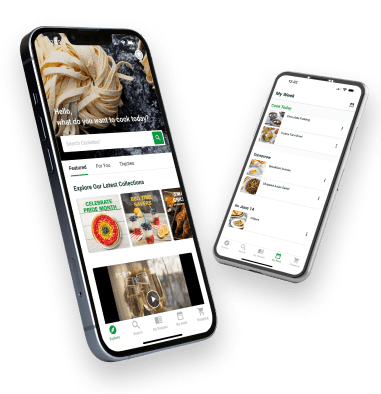
- The Cookidoo app. The same login as the website. Handy for shopping lists and browsing on your phone while you are out. I cover the app side in more detail on the Thermomix account and app page.
- The TM7 itself. The machine signs in directly. You enter your account on the TM7 touchscreen, and from then on the machine pulls your recipes and Guided Cooking steps straight from Cookidoo. The website and the app use that same account, so anything you save on your laptop shows up on the machine.
The practical takeaway: log in once on each device with the same email and password, and your recipes, collections, and planner stay in sync across all three.
Cookidoo Canada vs international accounts (changing country)
Cookidoo runs regional sites. Canadians use cookidoo.ca, while the international platform lives at cookidoo.thermomix.com. Your single Vorwerk/Thermomix account works across them, but the country setting on your account controls your pricing, your currency, and the recipe collections shown to you.
If you moved to Canada, or your account was set up under another country, you can change the country on your Cookidoo account so you see Canadian pricing and content. The country setting lives in your account or profile area once you are logged in. If you cannot find it or the change does not stick, Vorwerk support can switch the region for you. For how the Canadian plan is priced after you are set up correctly, see the Cookidoo cost in Canada breakdown, and to confirm what comes free with a new machine, see is Cookidoo free.
Troubleshooting login problems
Most failed logins come down to a short list of causes:
- Wrong email. You are typing a different address than the one on the account. Try the other email addresses in your household, then use Forgot password with the correct one.
- Wrong or old password. Reset it using the steps above rather than retrying. A reset takes a minute and clears the problem for good.
- Wrong region. You are on the international site (cookidoo.thermomix.com) when your account is Canadian, or the reverse. Make sure you are on cookidoo.ca for a Canadian account.
- Caps lock or autofill. Passwords are case-sensitive, and a saved autofill entry can be stale after a reset. Type it manually once to confirm.
- Browser issues. A cached old session can block a fresh login. Try a private or incognito window, or clear your browser cache, then sign in again.
If you have worked through all of these and still cannot get in, Vorwerk/Thermomix support can verify the email on your account and confirm its country, which resolves the cases a password reset cannot.
Frequently Asked Questions
How do I log in to Cookidoo in Canada? Open cookidoo.ca, choose Log in, and enter the email and password for your Vorwerk/Thermomix account. That same account works on the website, the Cookidoo app, and the TM7, so one set of credentials signs you in everywhere.
Why can't I log in to Cookidoo? The usual causes are a mistyped or wrong email, an old password, or being on the wrong regional site (international instead of Canadian). Use Forgot password to reset, confirm you are on cookidoo.ca for a Canadian account, and try a private browser window if a cached session is in the way.
Is my Cookidoo account the same as my Thermomix account? Yes. Cookidoo uses your Vorwerk/Thermomix account, so there is no separate Cookidoo login to create. The same email and password sign you in to the website, the app, and the TM7.
How do I reset my Cookidoo password? On the cookidoo.ca Log in screen, choose Forgot password, enter your account email, and follow the link in the reset email (check spam if it does not arrive). The new password then works across Cookidoo, the app, and the machine.
How do I change my Cookidoo country to Canada? Log in, then open your account or profile settings and switch the country to Canada so you see Canadian pricing and content. If the option is not available or does not save, Vorwerk support can change the region on your account for you.