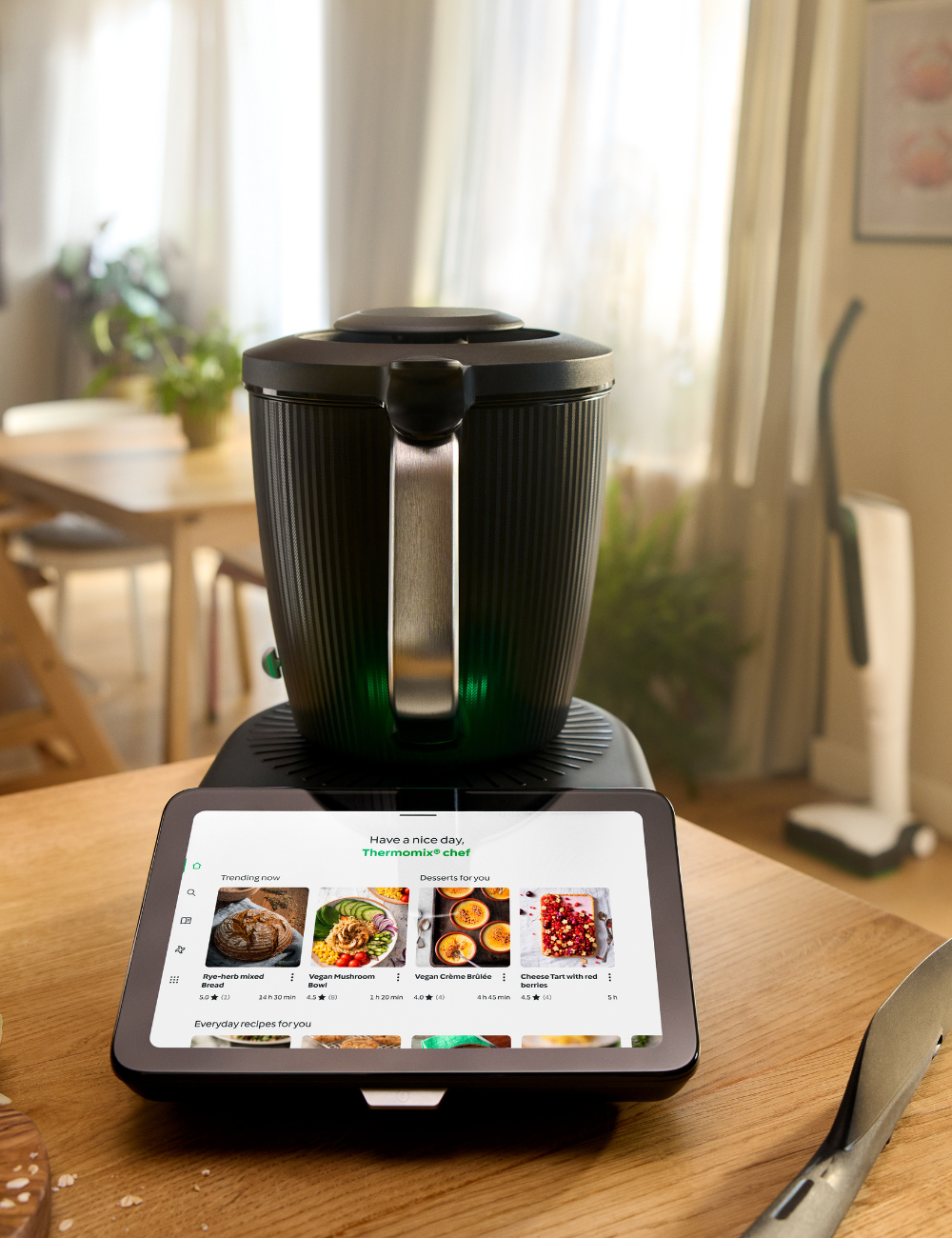
My Thermomix Account and App: One Login for Everything
One Vorwerk account runs the TM7, the website, and the apps, plus how to connect, sign in, and manage your subscription and saved recipes.
What is the My Thermomix account?
My Thermomix is your single Vorwerk account that works across the TM7 machine, the Cookidoo website, and the Cookidoo app. It manages your profile, your subscription, and your saved recipes. Once your TM7 is connected to Wi-Fi and signed in to that account, every recipe you save online syncs straight to the machine screen.
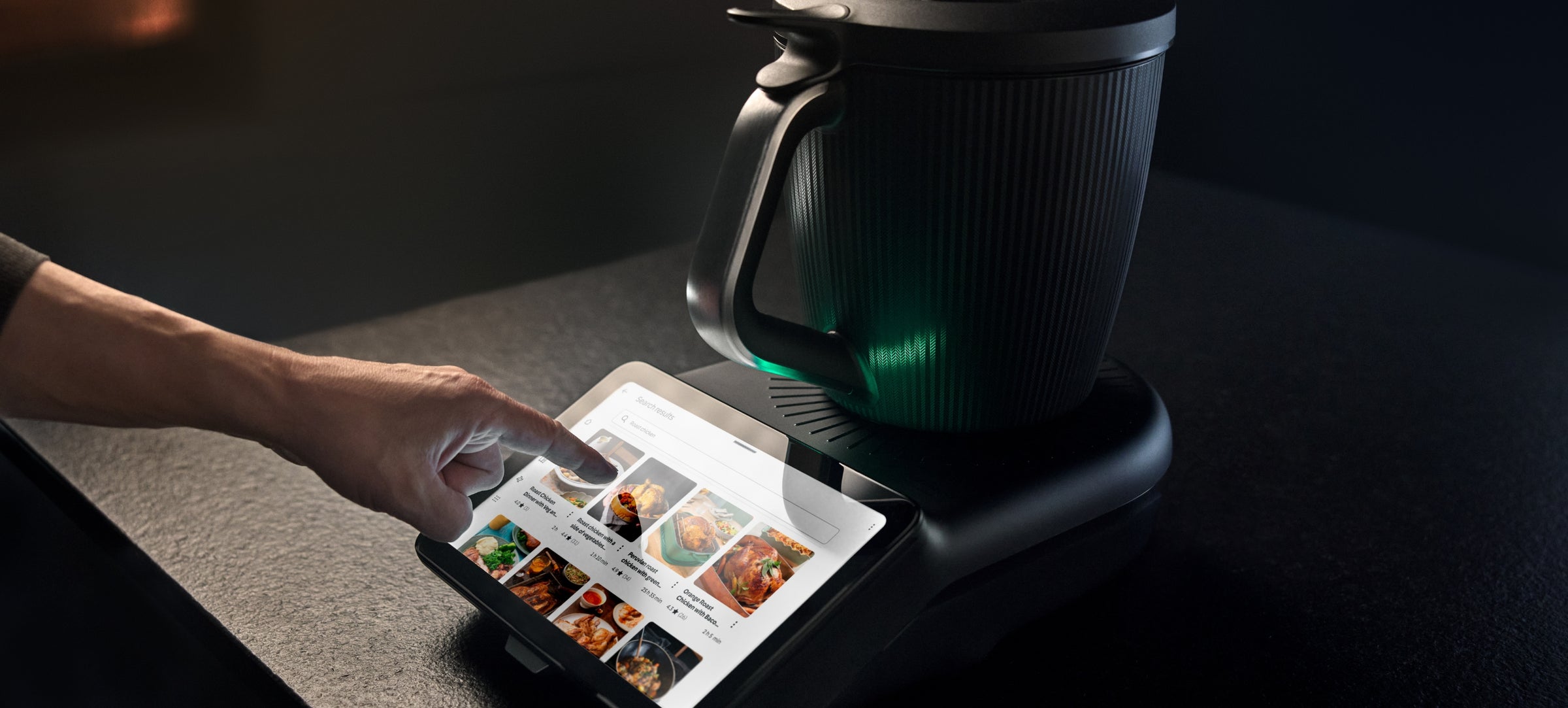
Your Thermomix runs on a single Vorwerk account, and that one account follows you everywhere. The same email and password that sign you in to the TM7 machine also sign you in to the Cookidoo website at cookidoo.ca and to the Cookidoo app on your phone or tablet. There is no separate machine login, no separate app login, and no separate website login. One account, three places, everything in sync.
That single sign-in is the whole point of the system. When you save a recipe on your laptop over morning coffee, it is already waiting on the TM7 screen by dinner. When you adjust your profile or your subscription on the website, the machine sees the change too. As a Vancouver-based consultant and TM7 owner, this is the part I find new owners underestimate: the account is not an afterthought, it is the thread that ties the whole experience together.
My Thermomix account: what it controls
"My Thermomix" is the account area of the Thermomix and Cookidoo world. It is the home base for everything tied to your name rather than to the machine itself. From the account area you manage your profile details, your Cookidoo subscription, and your saved and created recipes.
In practical terms, your account holds:
- Your profile. Your name, your contact email, your password, and your regional and language settings for Canada.
- Your subscription. Whether your Cookidoo plan is active, when it renews, and which plan you are on. For a full breakdown of plans and pricing, see the cost of Cookidoo in Canada.
- Your saved recipes. Everything you have bookmarked, organized into collections and your weekly planner, plus any recipes you have created yourself.
Because all of this lives with the account rather than the machine, none of it is lost if you ever move to a new TM7 or sign in on a borrowed device. You sign in, and your kitchen comes with you.
The Thermomix and Cookidoo apps
Yes, there is a Thermomix app, and in everyday use it works hand in hand with the Cookidoo app. Both run on the same Vorwerk account, so you sign in once with the credentials you already use for the machine and the website. There is nothing extra to register.
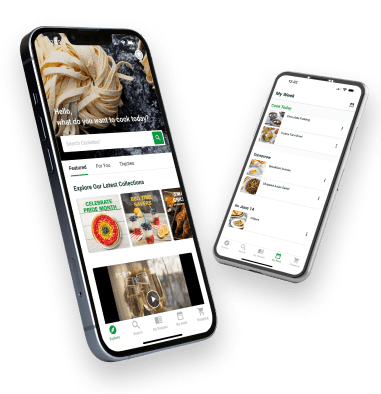
The apps are where a lot of the planning happens away from the kitchen. You browse the recipe library, search for something to cook, build your weekly plan, and generate a shopping list, all from your phone on the bus or in line at the grocery store. Anything you save in the app is the same library you see when you log in on the website and when you stand in front of the TM7. For more on what the platform itself offers, see the overview of Cookidoo in Canada.
The short version: the website is best for sitting down and planning a week, the app is best for browsing on the go, and the TM7 screen is where you actually cook. Same account, same saved recipes, three different surfaces.
Connecting your TM7 to your account and Wi-Fi
The TM7 connects over Wi-Fi, and that connection is what lets it sync your saved Cookidoo recipes to the machine screen. Without it, the TM7 still cooks, but it cannot pull down the recipes you have been saving online.
The general flow when you set up a new machine looks like this:
- Power on the TM7 and follow the on-screen setup.
- Choose your home Wi-Fi network and enter its password when the screen asks.
- Sign in with your Vorwerk / My Thermomix account email and password.
- Wait a moment for the machine to sync, and your saved recipes appear on the screen.
I am keeping these steps general on purpose, because Vorwerk refines the on-screen wording from time to time and your machine will always show the exact prompts to follow. The principle does not change: connect to Wi-Fi, sign in with your one account, and let it sync. If you have trouble signing in on any device, the Cookidoo login guide for Canada walks through password resets and the most common fixes.
Managing your subscription and saved recipes
Your Cookidoo subscription and your saved recipes are both managed through your account, which means you can handle them from whichever device is closest. Open the website or the app, sign in, and head to the account or "My Thermomix" area.
From there you can check when your plan renews, update your payment details, and see which plan you are on. Your saved recipes live in the same account, organized into your collections and your weekly planner. Bookmark something new on your phone and it is there on the TM7 the next time the machine syncs. Remove something from a collection on the website and it updates everywhere.
The thing worth remembering is that you are never managing three separate accounts. One subscription, one recipe library, one profile, reachable from the machine, the website, or the app. For the newer machine that all of this is built around, see the Thermomix TM7 launch in Canada.
Frequently Asked Questions
What is the My Thermomix account?
My Thermomix is your single Vorwerk account that works across the TM7 machine, the Cookidoo website, and the Cookidoo app. It manages your profile, your subscription, and your saved recipes. One set of credentials signs you in everywhere, so the recipes and settings you change in one place show up in all of them.
Is there a Thermomix app?
Yes. There is a Thermomix app, and it works alongside the Cookidoo app for browsing recipes, building your weekly plan, and creating shopping lists. Both run on the same Vorwerk account you use for the machine and the website, so you sign in once and everything stays in sync.
How do I connect my TM7 to Wi-Fi?
Power on the TM7, follow the on-screen setup, choose your home Wi-Fi network, and enter its password when prompted. Then sign in with your My Thermomix account. The machine connects over Wi-Fi and syncs your saved Cookidoo recipes to the screen. Your TM7 will show the exact prompts to follow during setup.
Do the Thermomix and Cookidoo apps use the same login?
Yes. The Thermomix app, the Cookidoo app, the cookidoo.ca website, and the TM7 machine all use the same Vorwerk account. There is no separate login for each one. Sign in once with your account email and password and you are signed in across the whole system.
How do I manage my saved recipes?
Sign in on the website or the app, open the account or My Thermomix area, and you will find your saved recipes organized into collections and your weekly planner. Because everything lives with your account, anything you save or remove updates across the website, the app, and the TM7 the next time the machine syncs.